Fortress design
System
Background
Building & revamping an existing Design Language System for Vanguard from scratch in Figma, to create a scalable, consistent and accessible digital experience for the designers and developers when doing handovers as well as maintaining Design Consistency.
Methodology
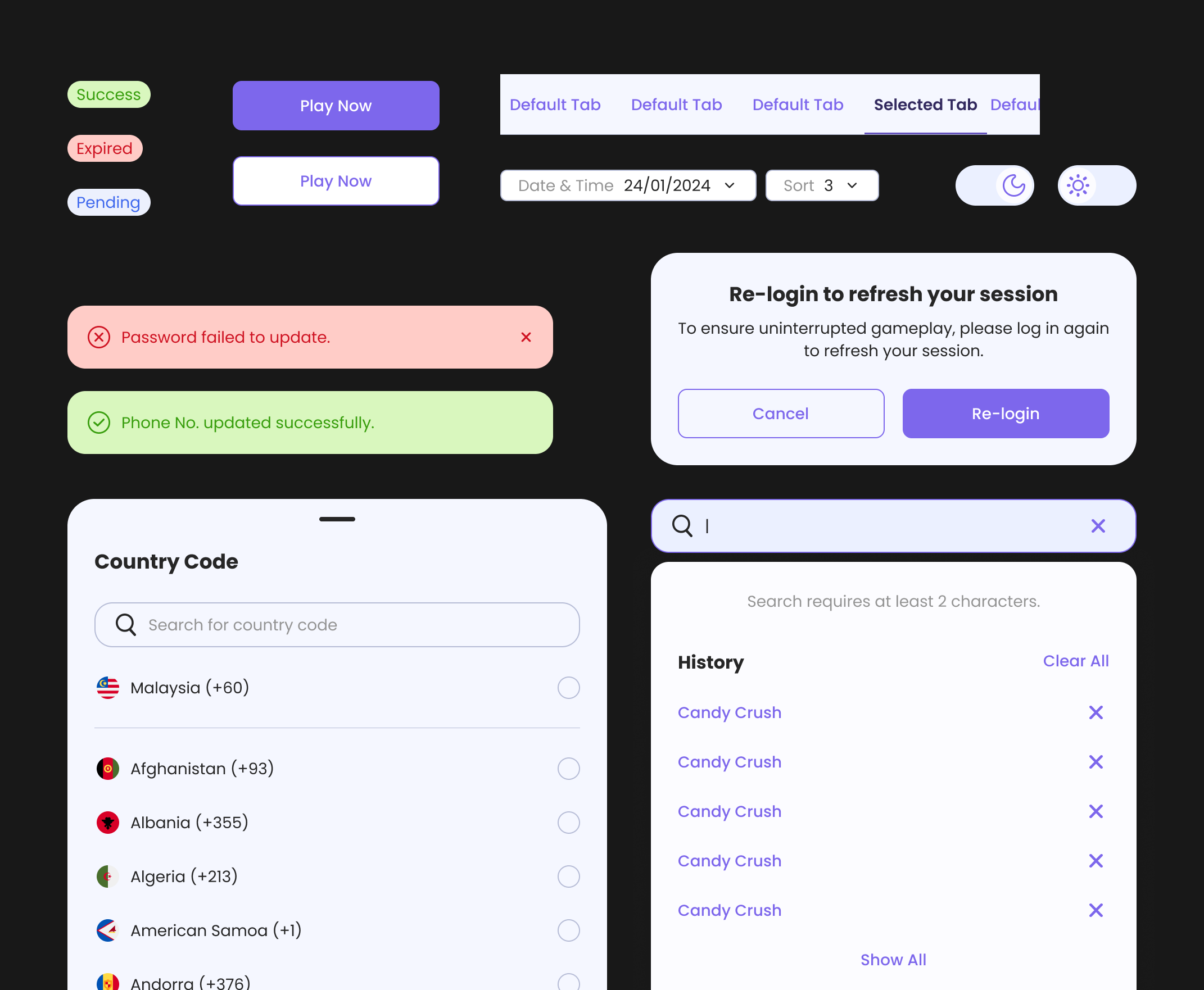
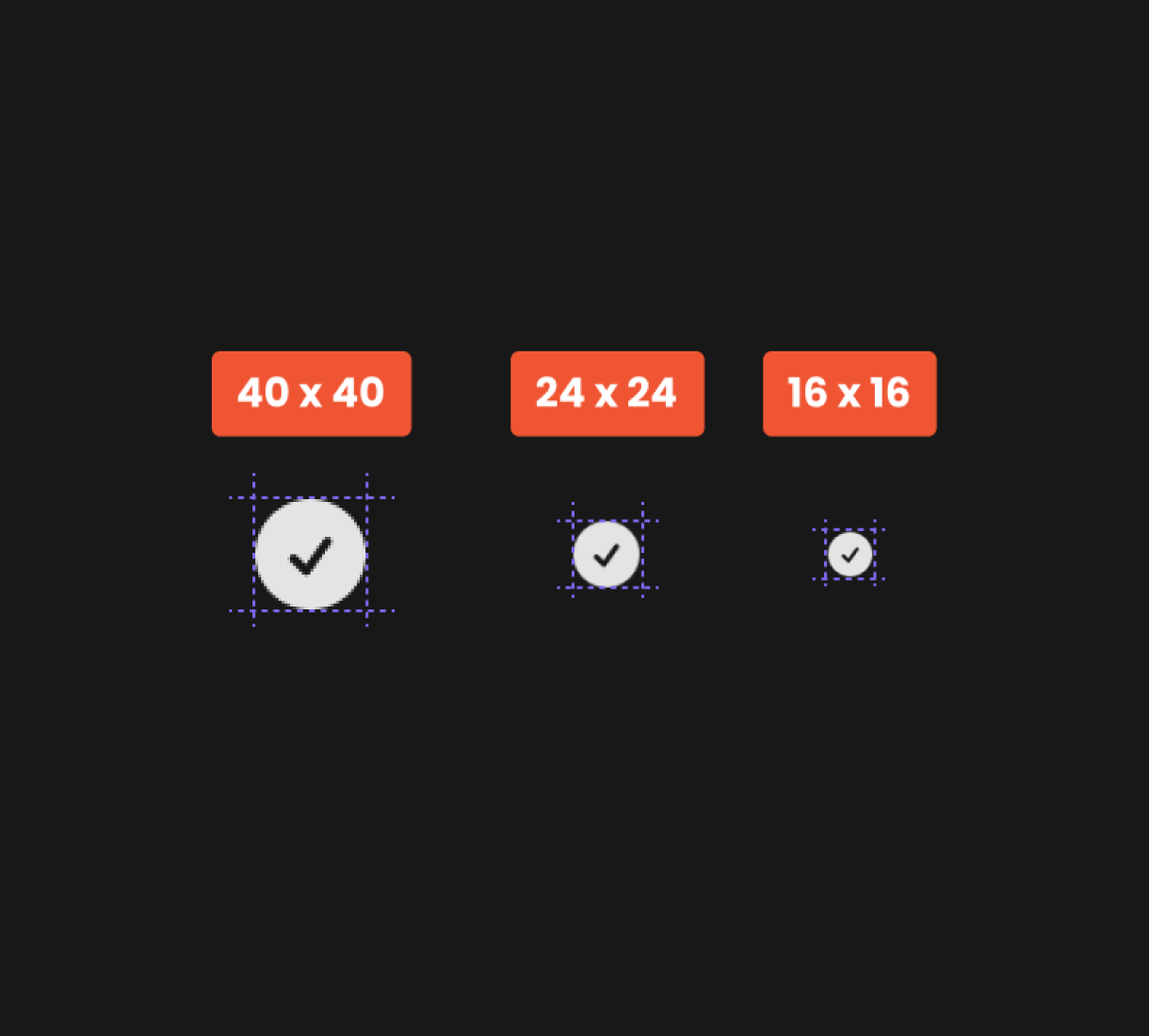
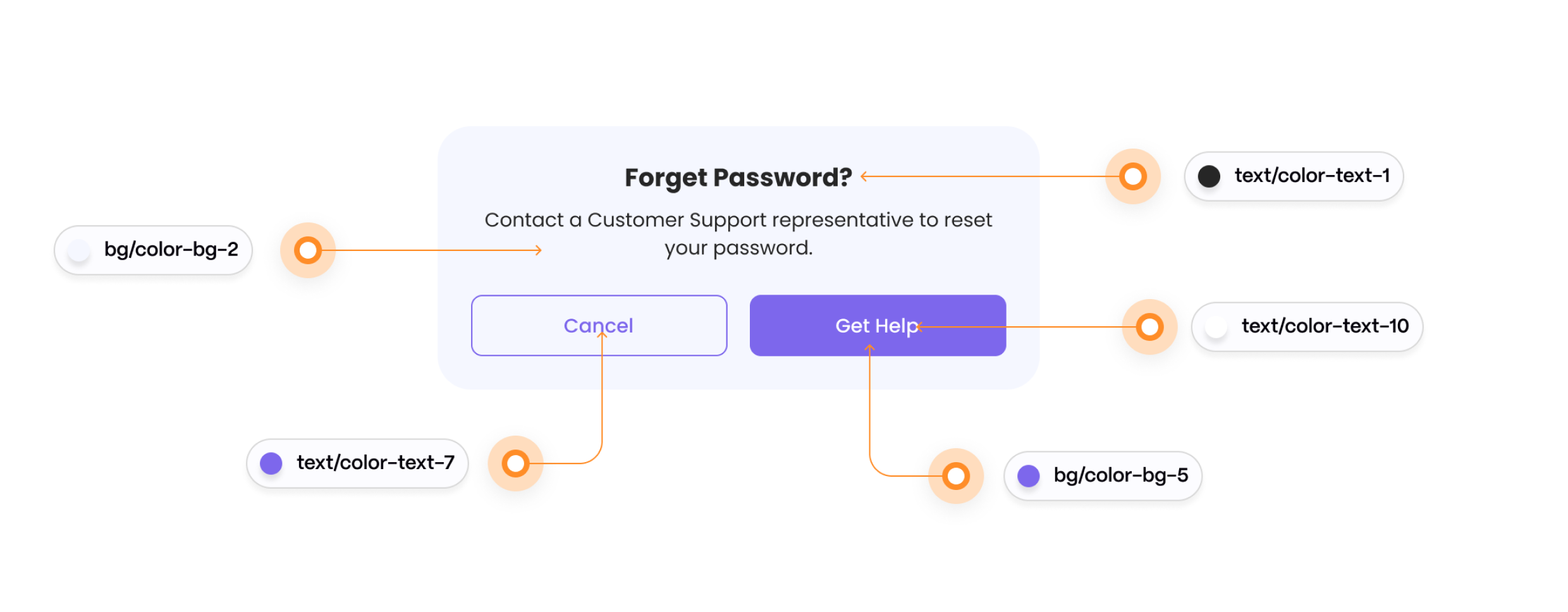
In Vanguard, we used Atomic design for creating design systems, where this methodology helps us seek direction on building interface design systems in a more methodical way with explicit order and hierarchy.
Modes
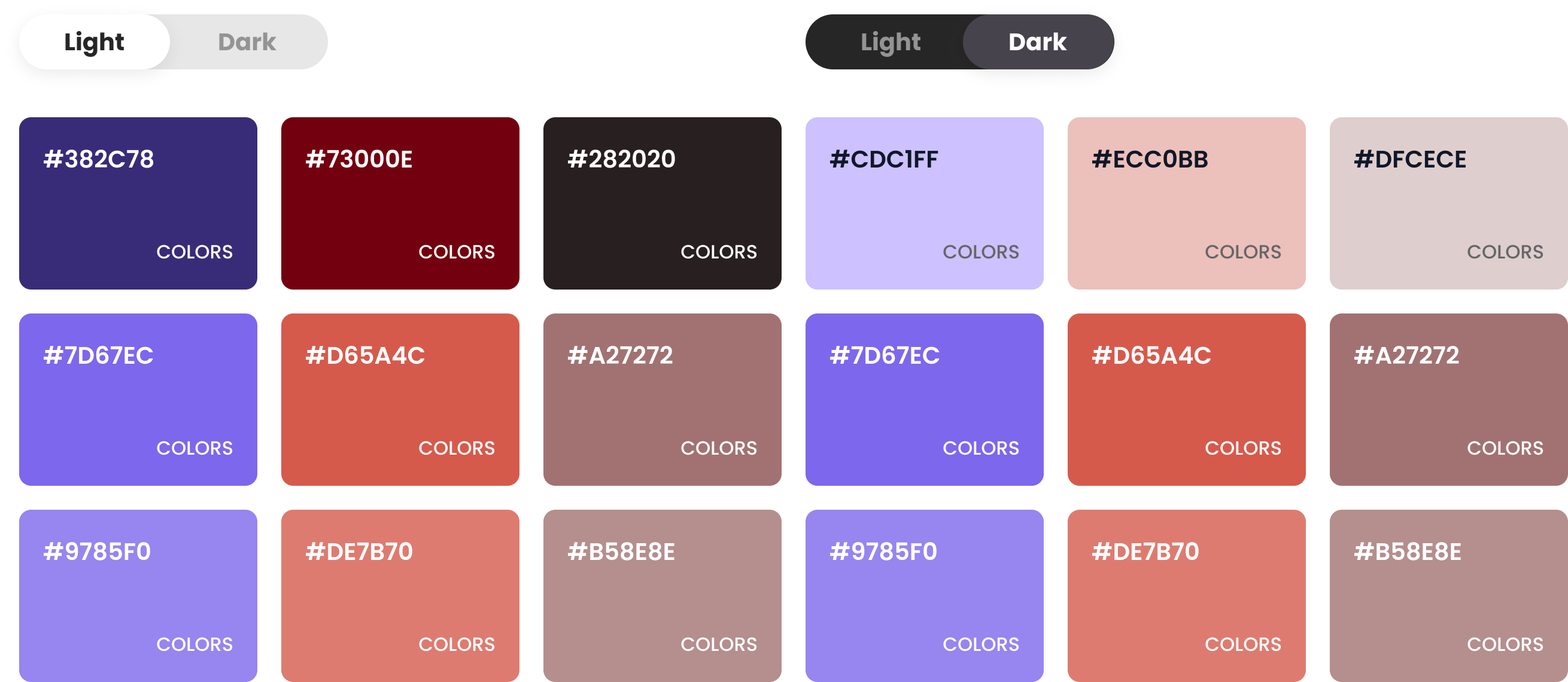
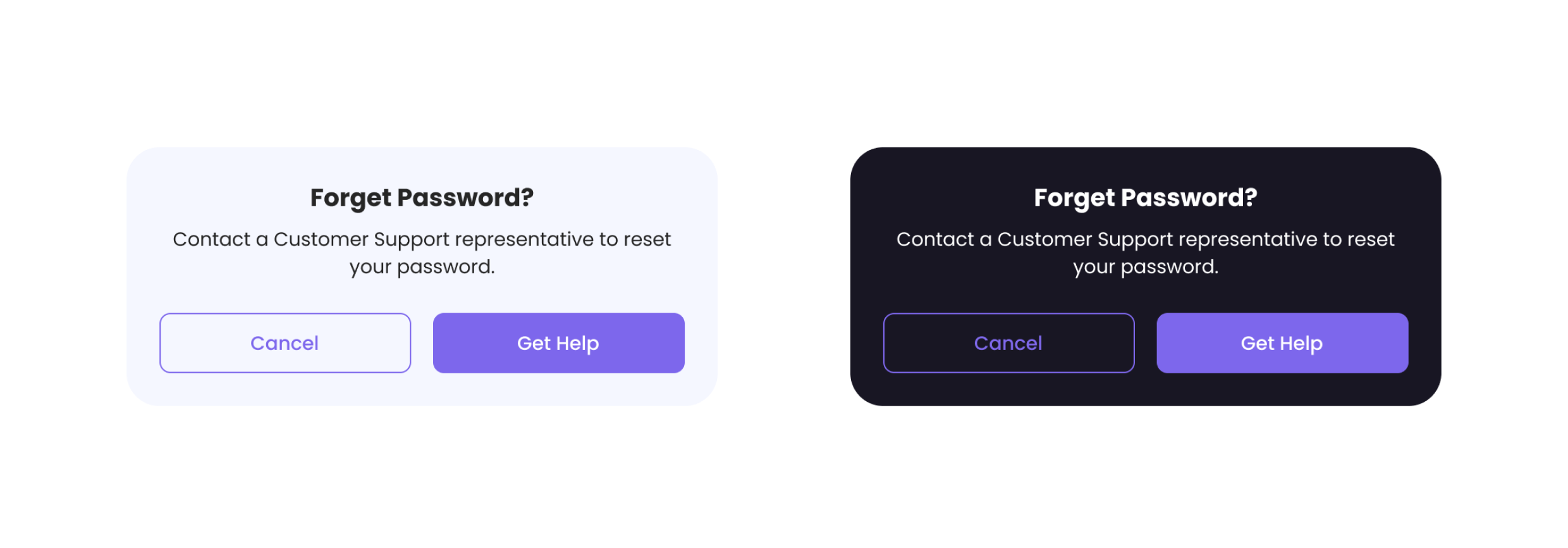
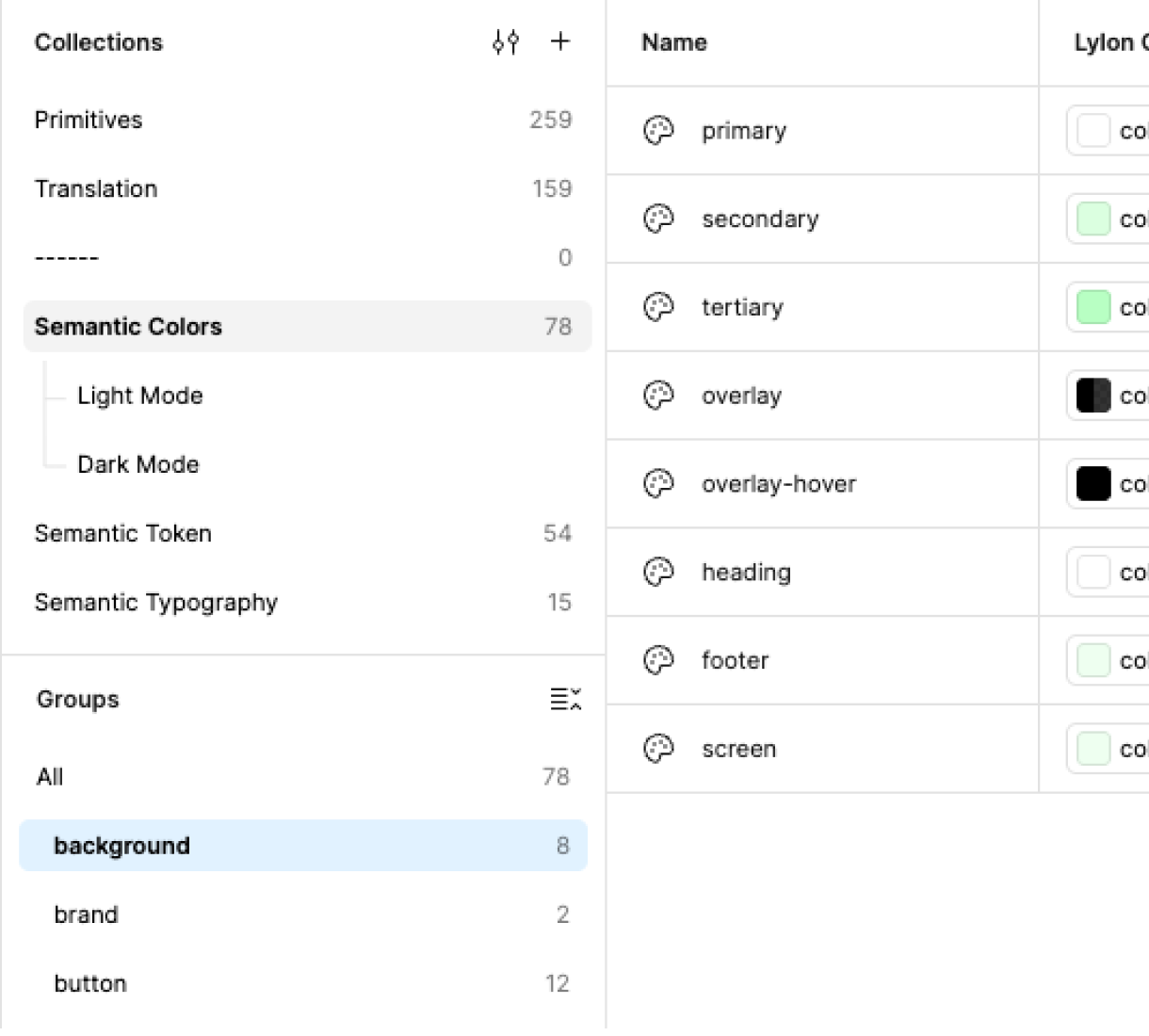
Variable in Figma make it easy to switch between light and dark mode with just one click. So, i adapted the feature & added dark mode version of the design system.
Variables
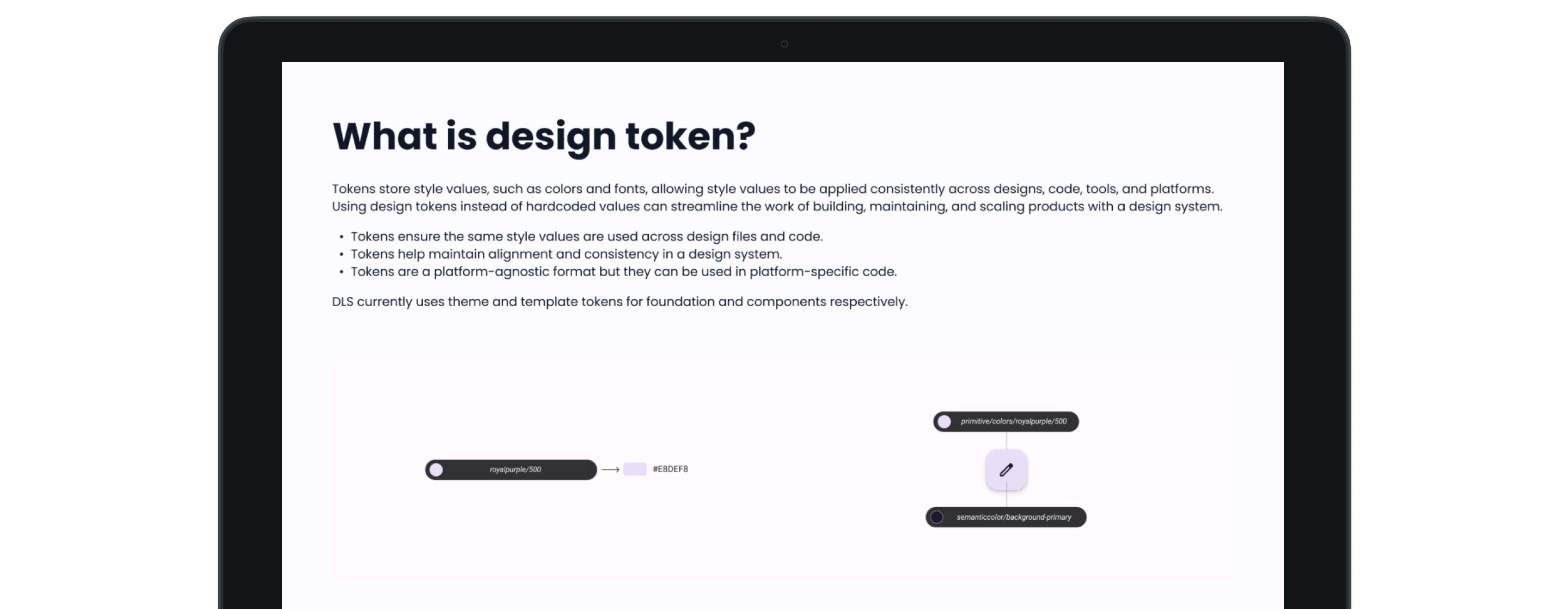
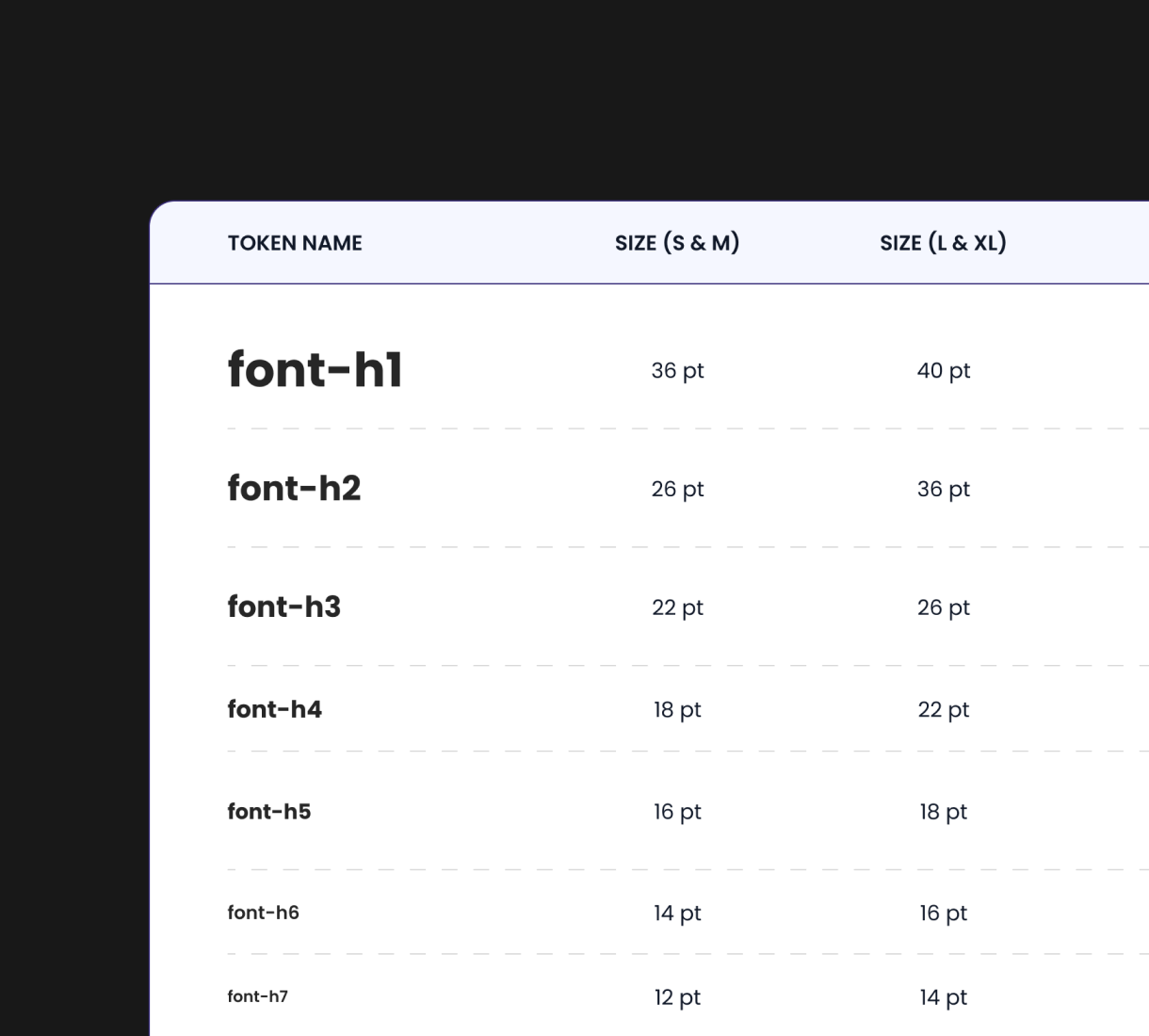
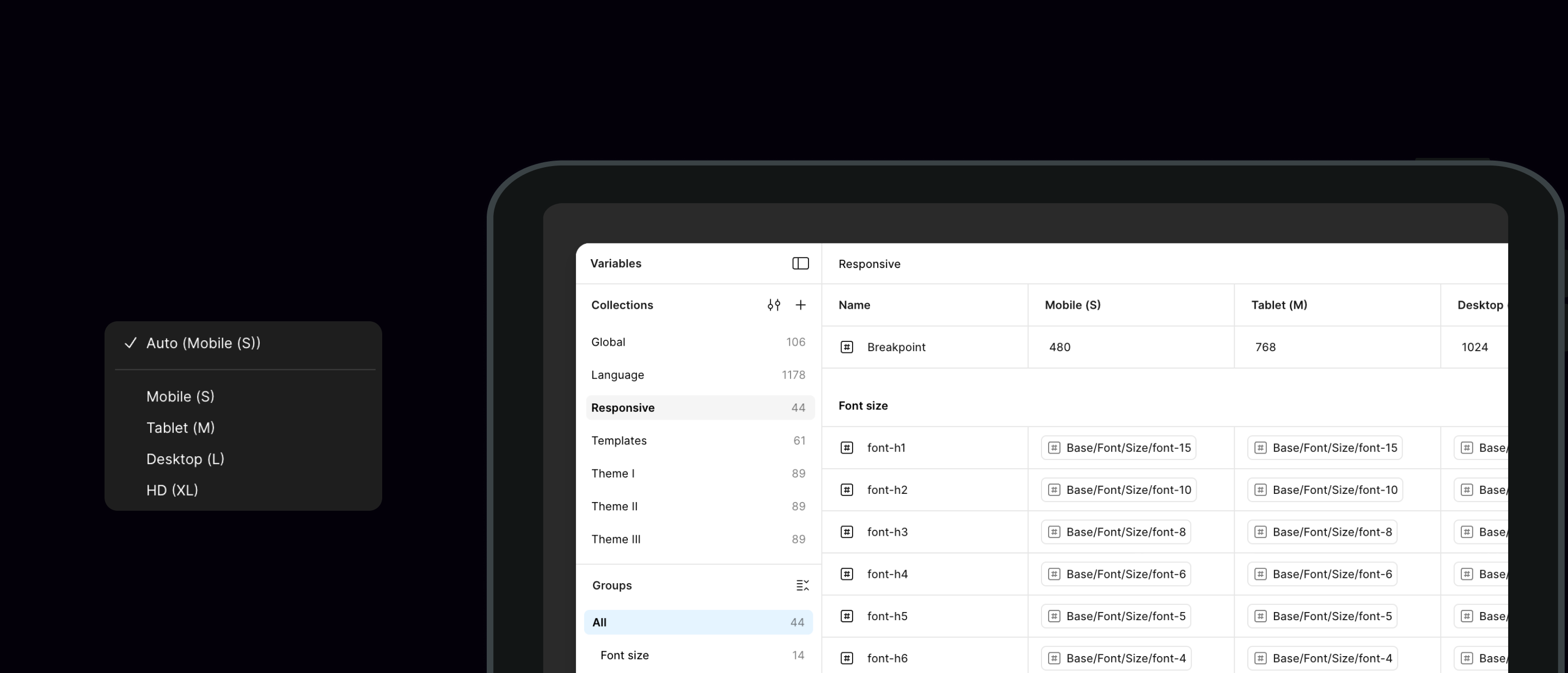
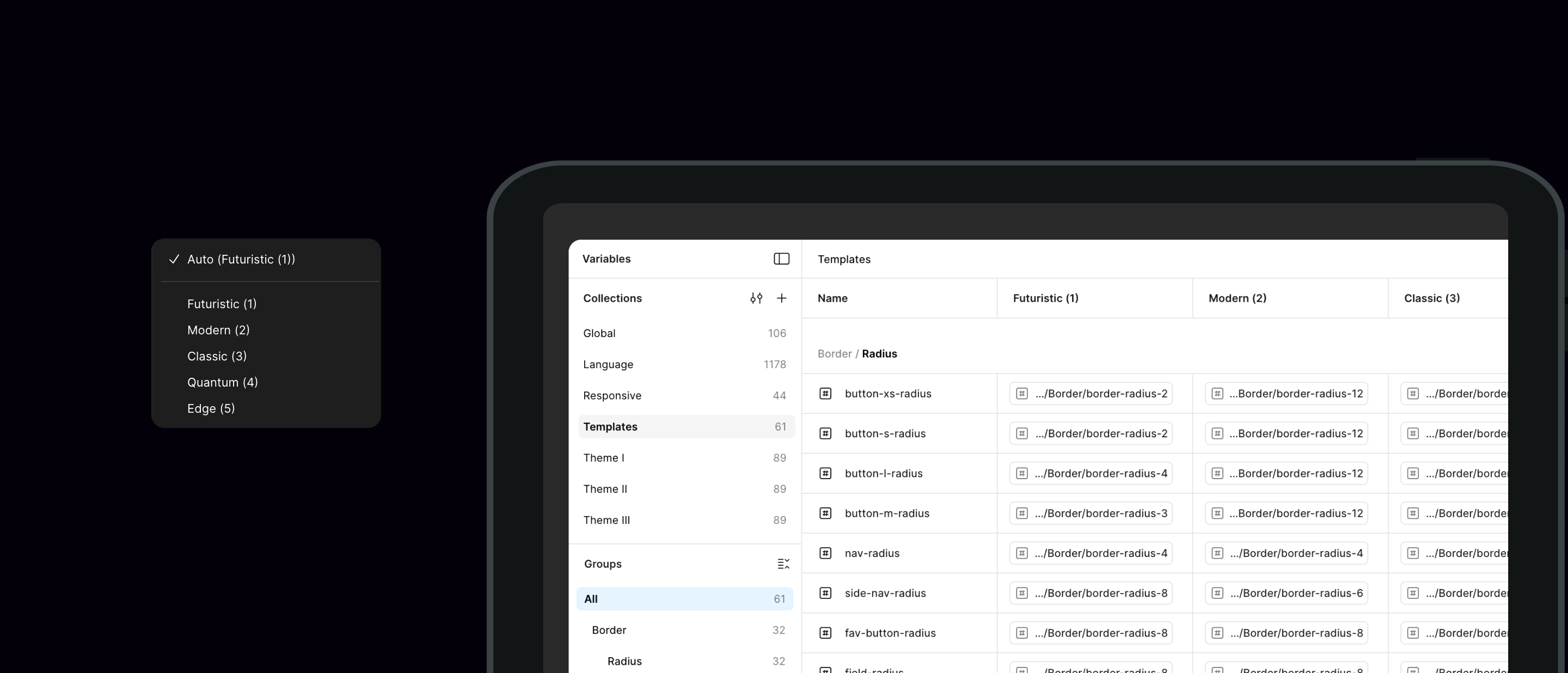
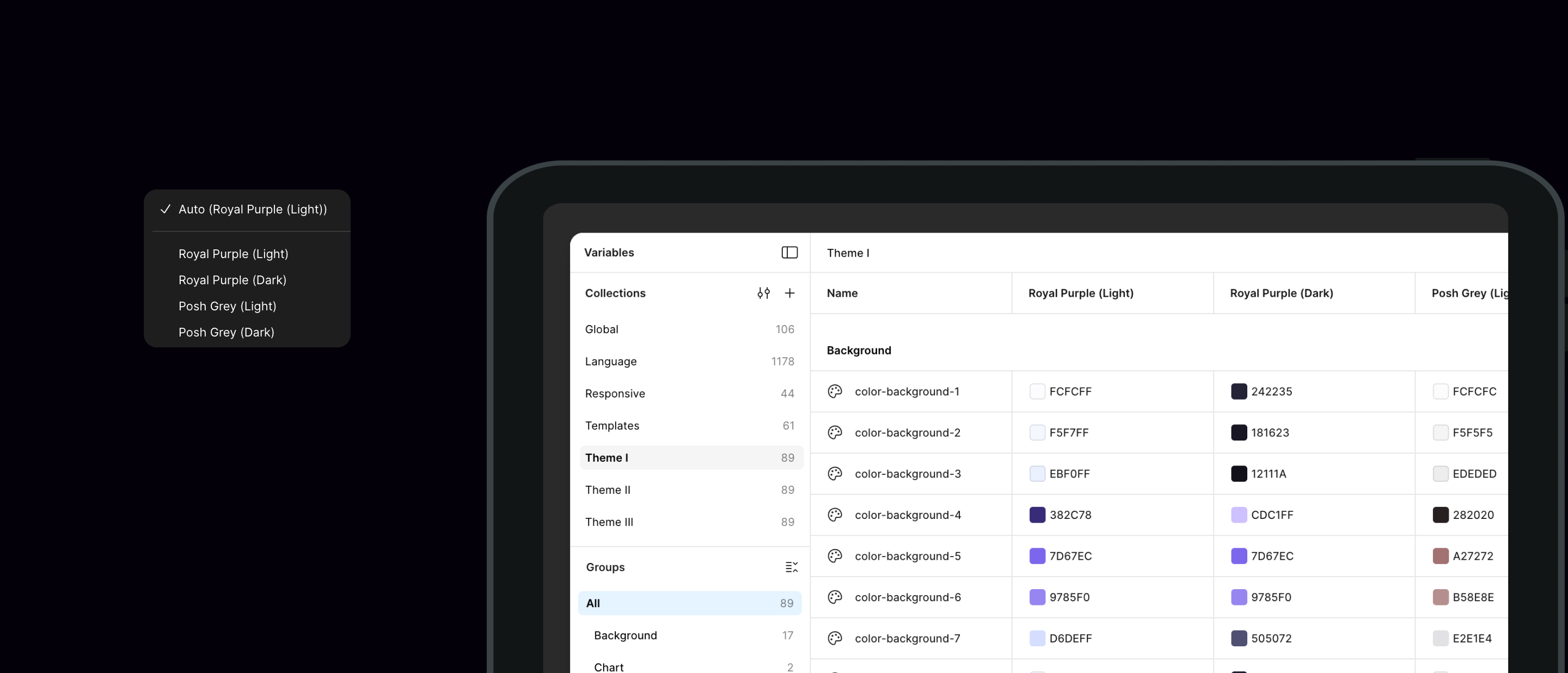
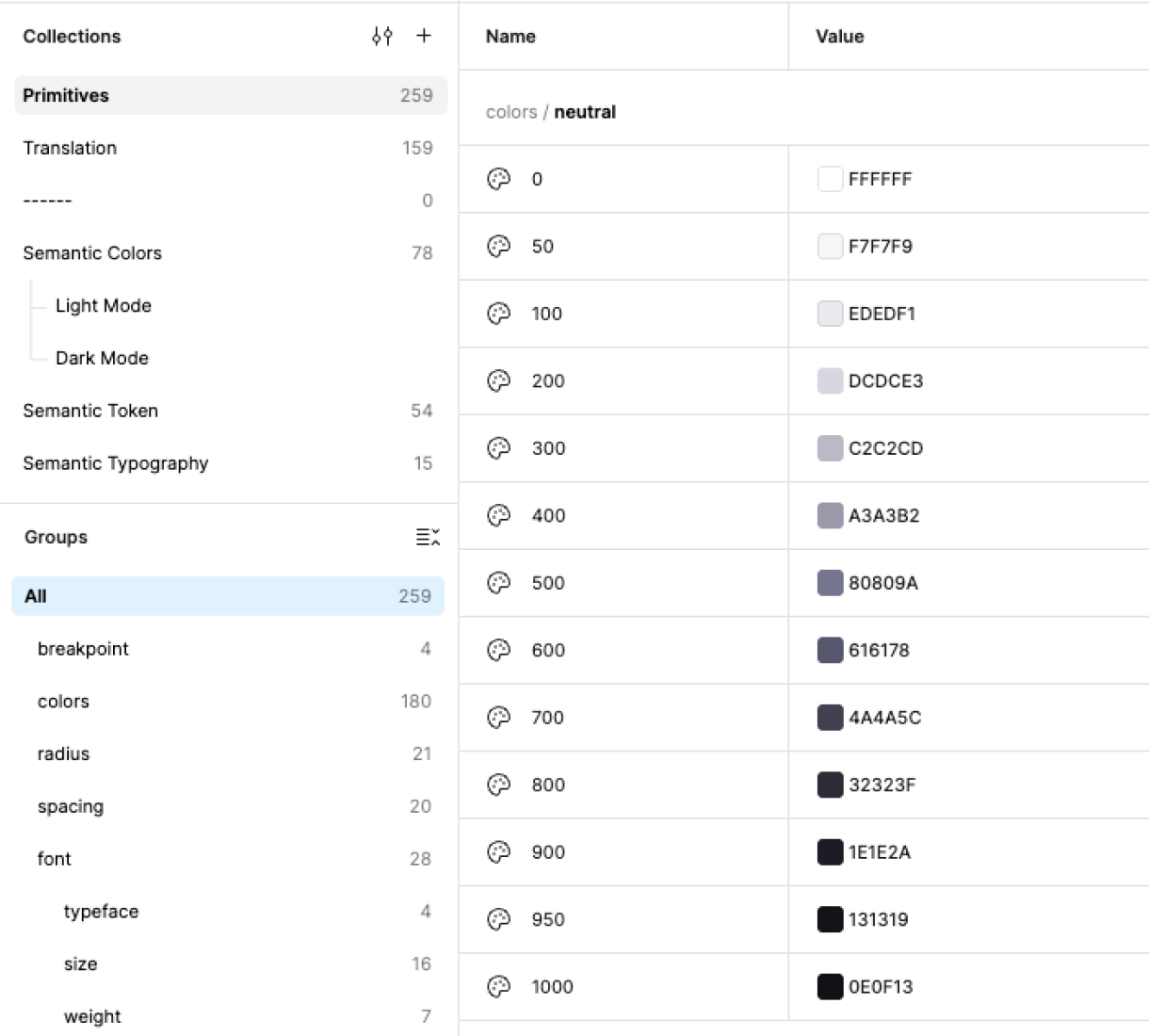
Vanguard have different templates, themes as well as devices for their product. With the help of variables, it helps to fasten the design process when switching from one mode to another.
Structure
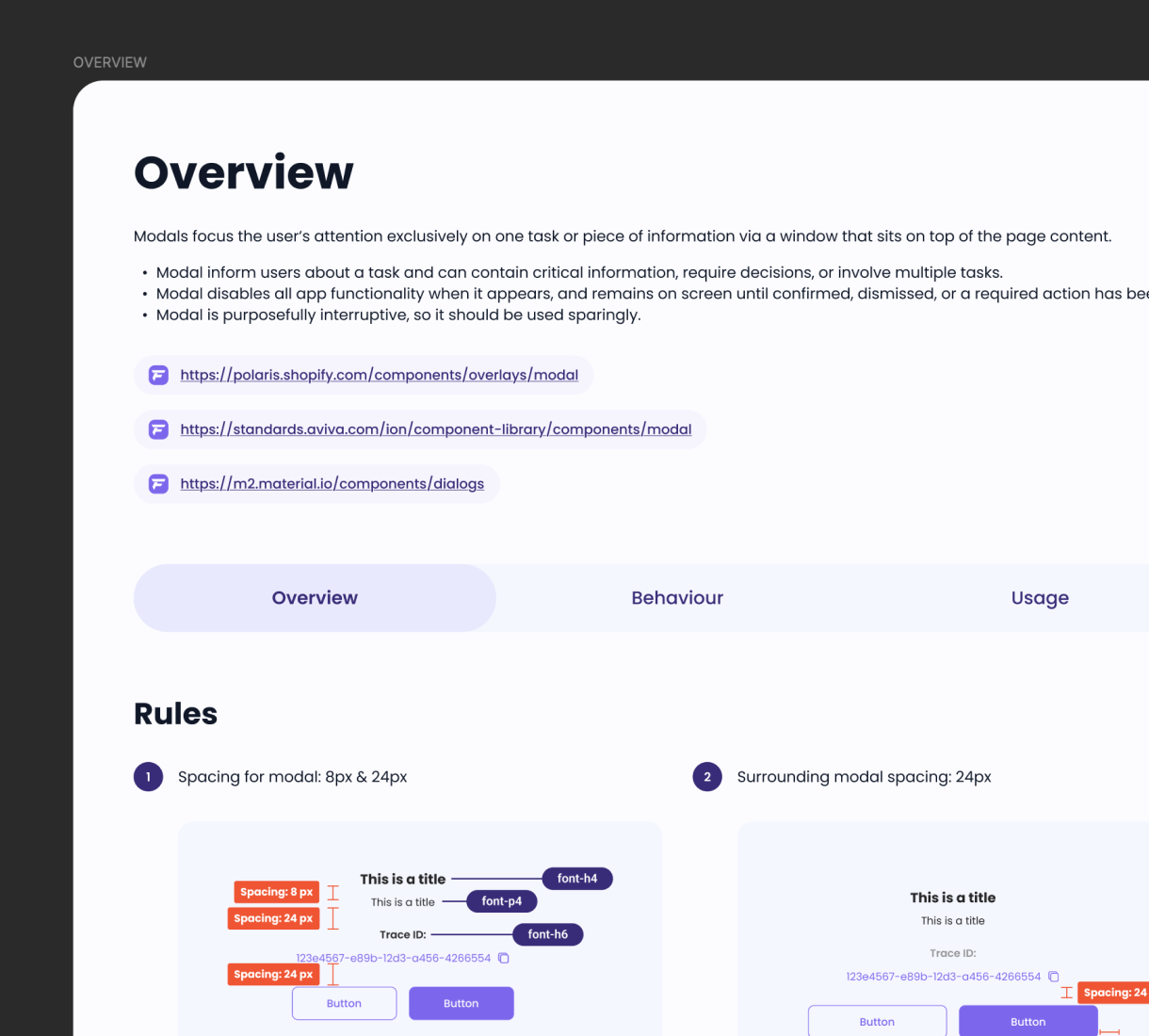
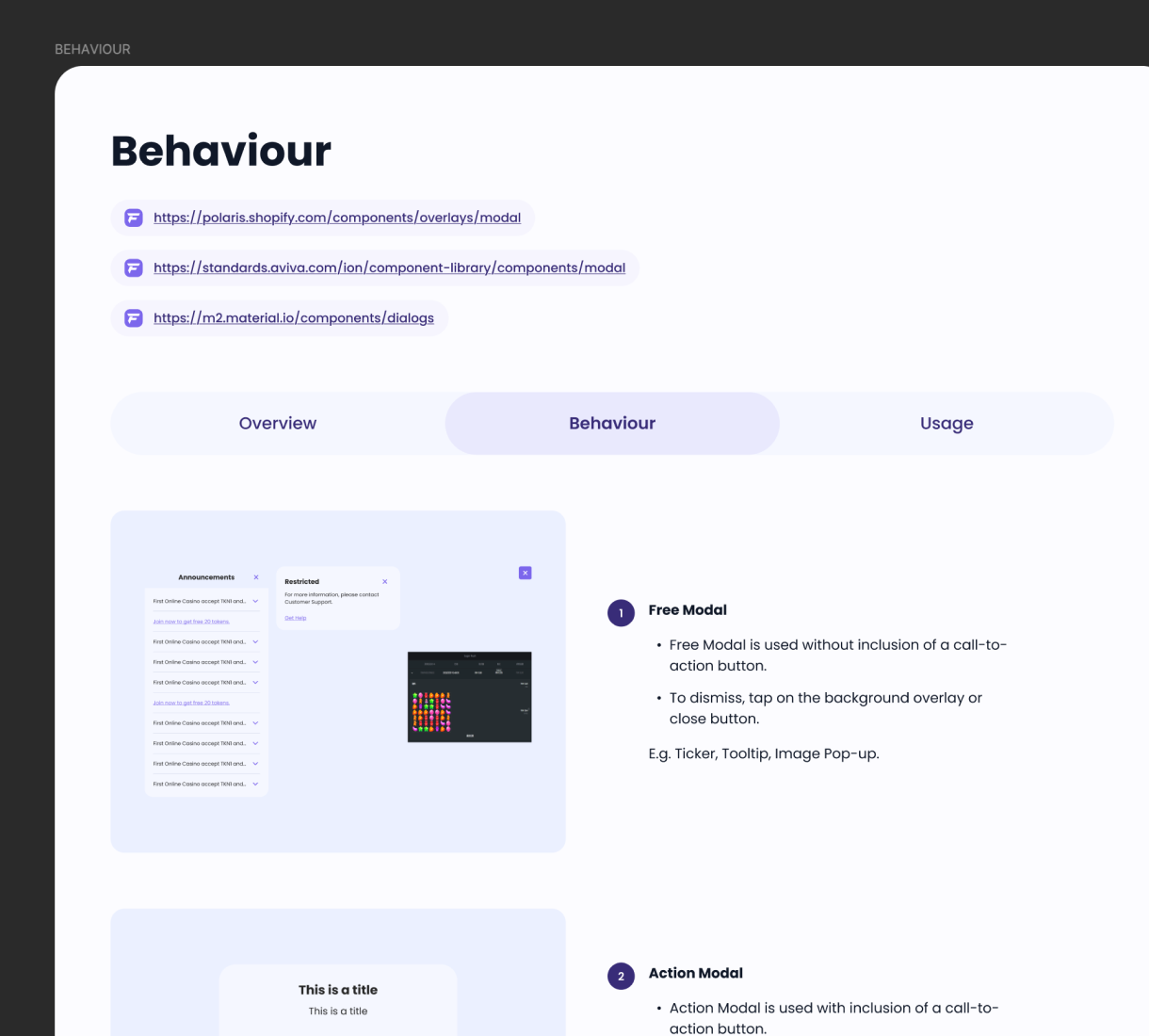
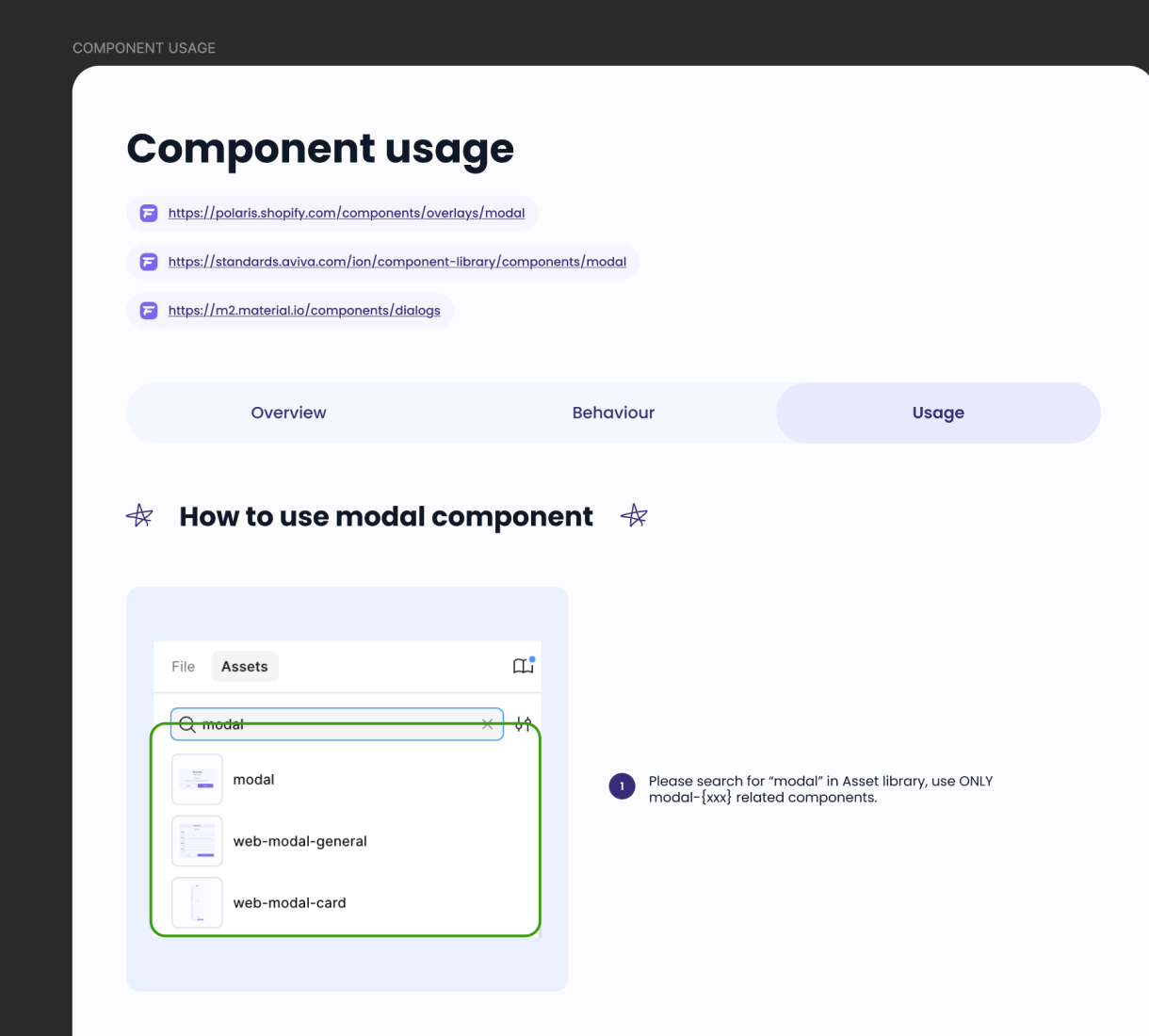
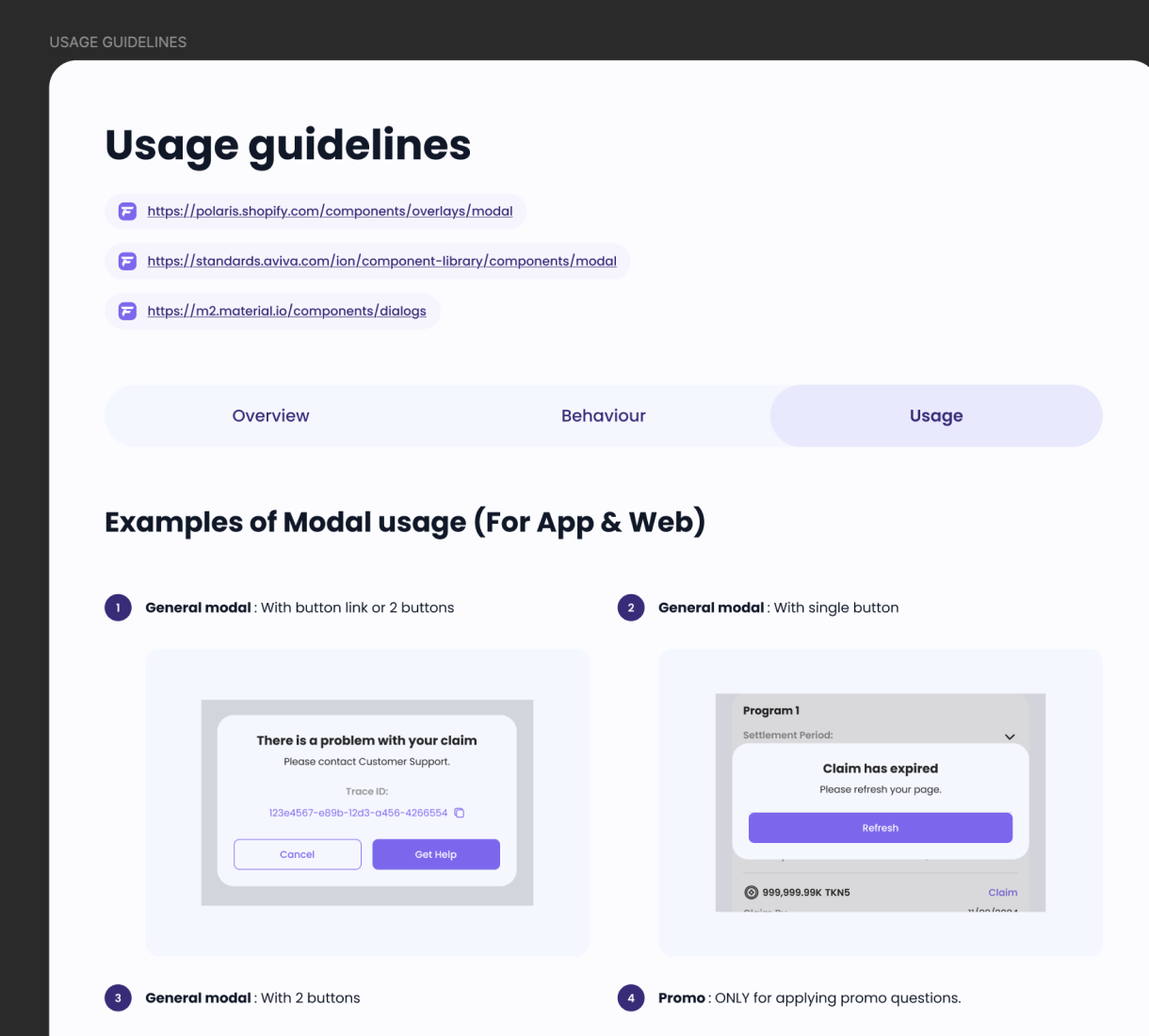
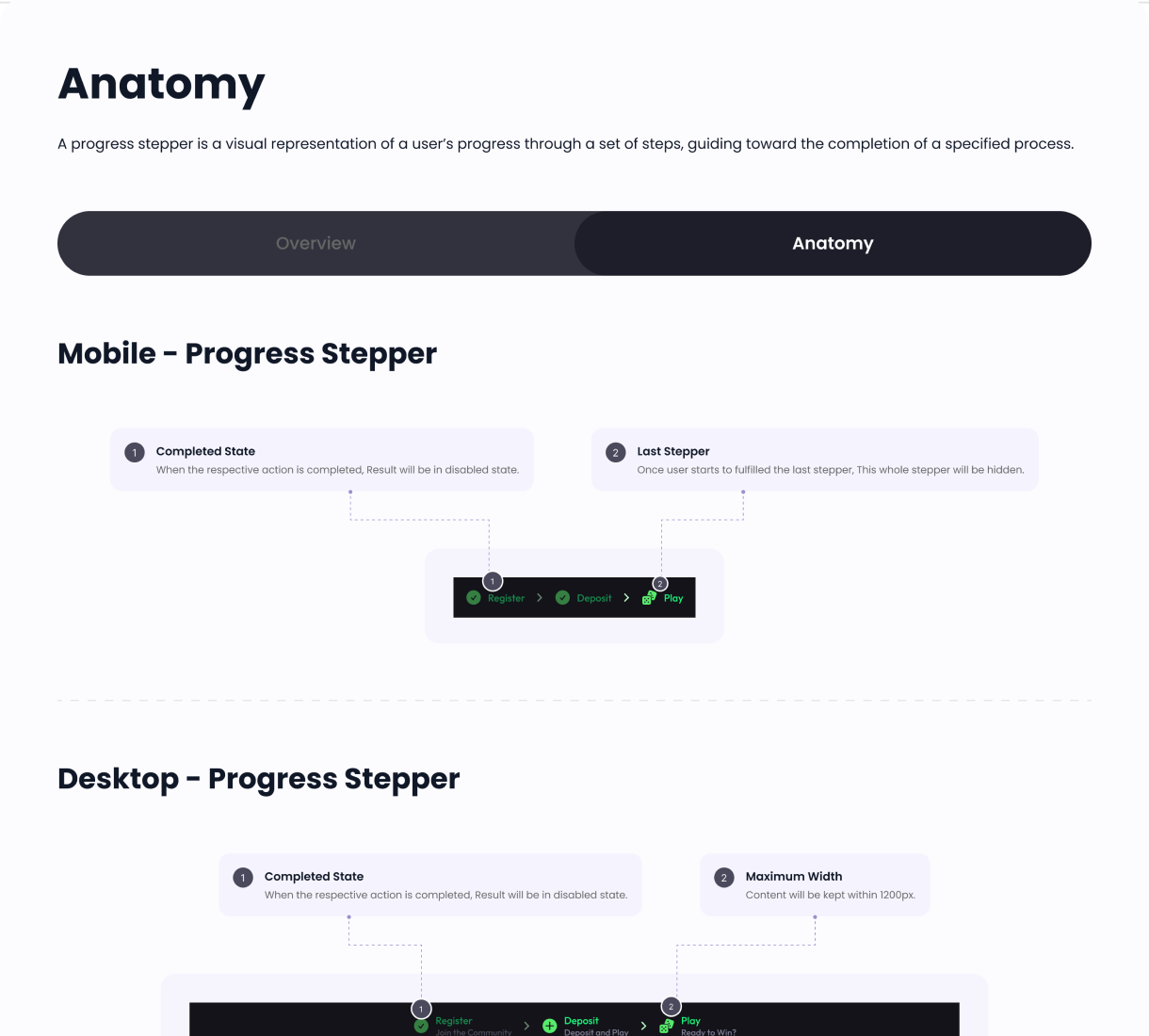
Previously the guidelines of the design system was a mess. Despite components and rules are all over the place, i’ve structured them in a way where it comes in 4 consistent content style in order for better communication & clearer directions with the team.
DLSRevamp
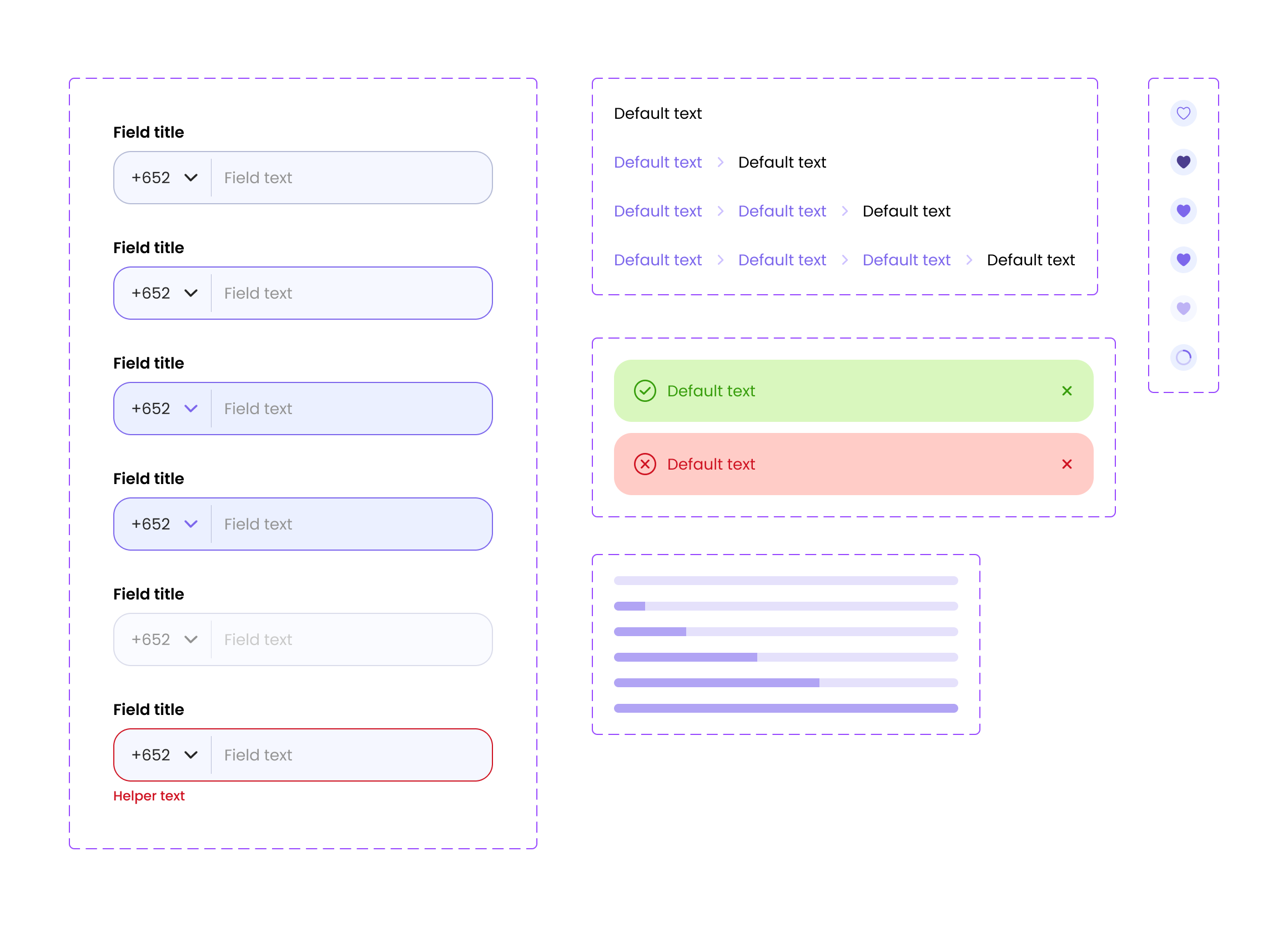
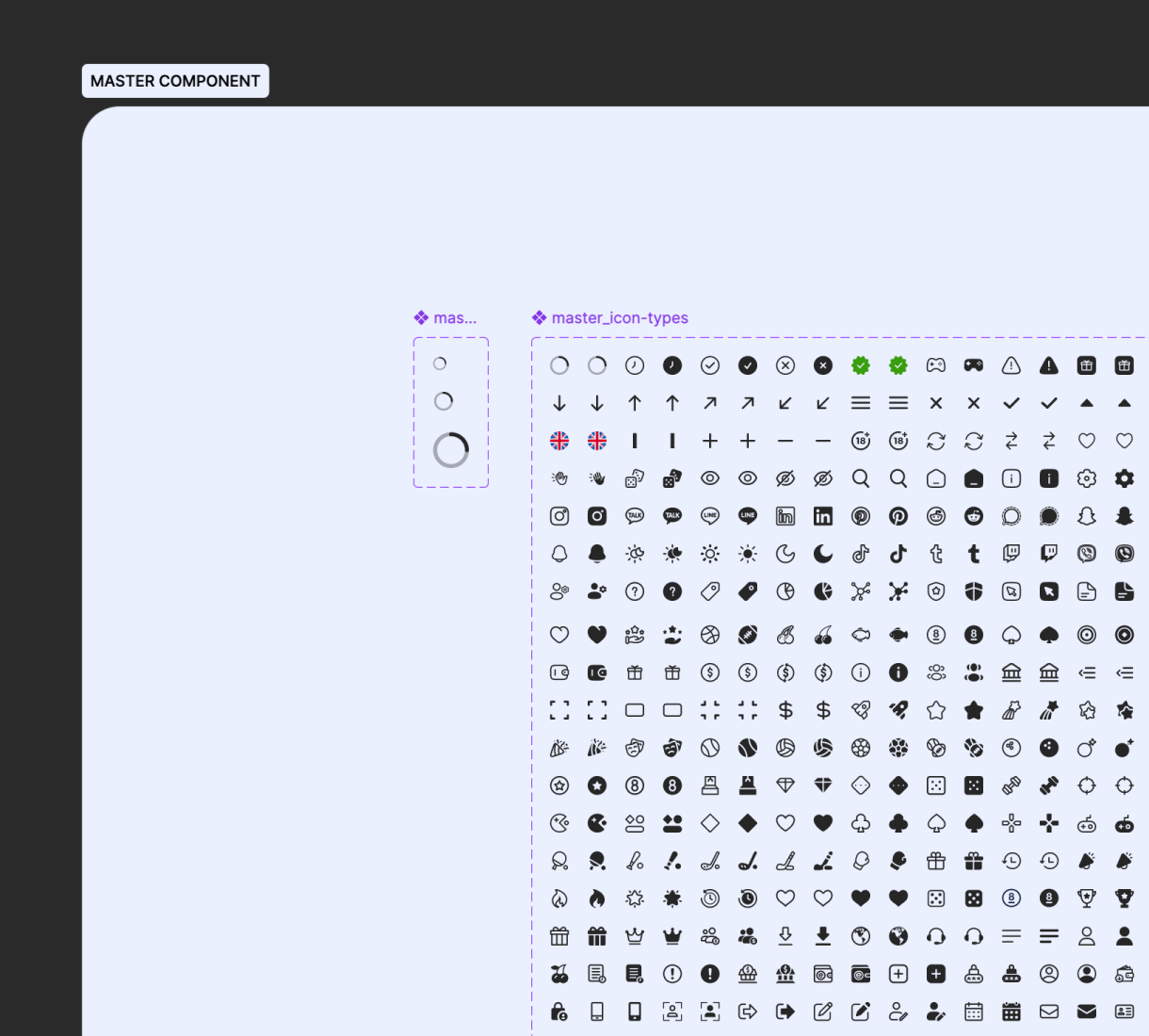
This is an revamp work for the current DLS to Version 2 which aims to improve the overall design system structure, usability and maintainability. By addressing existing pain points such as inconsistent token naming, duplicated components, unclear usage guidelines and frequent developer clarifications.Version 2 will establish a more consistent and scalable foundation. The goal is to simplify designers' workflows, improve design-to-development handover, and better support both Fortress Template and Complex Template’s unique requirements without compromising consistency.
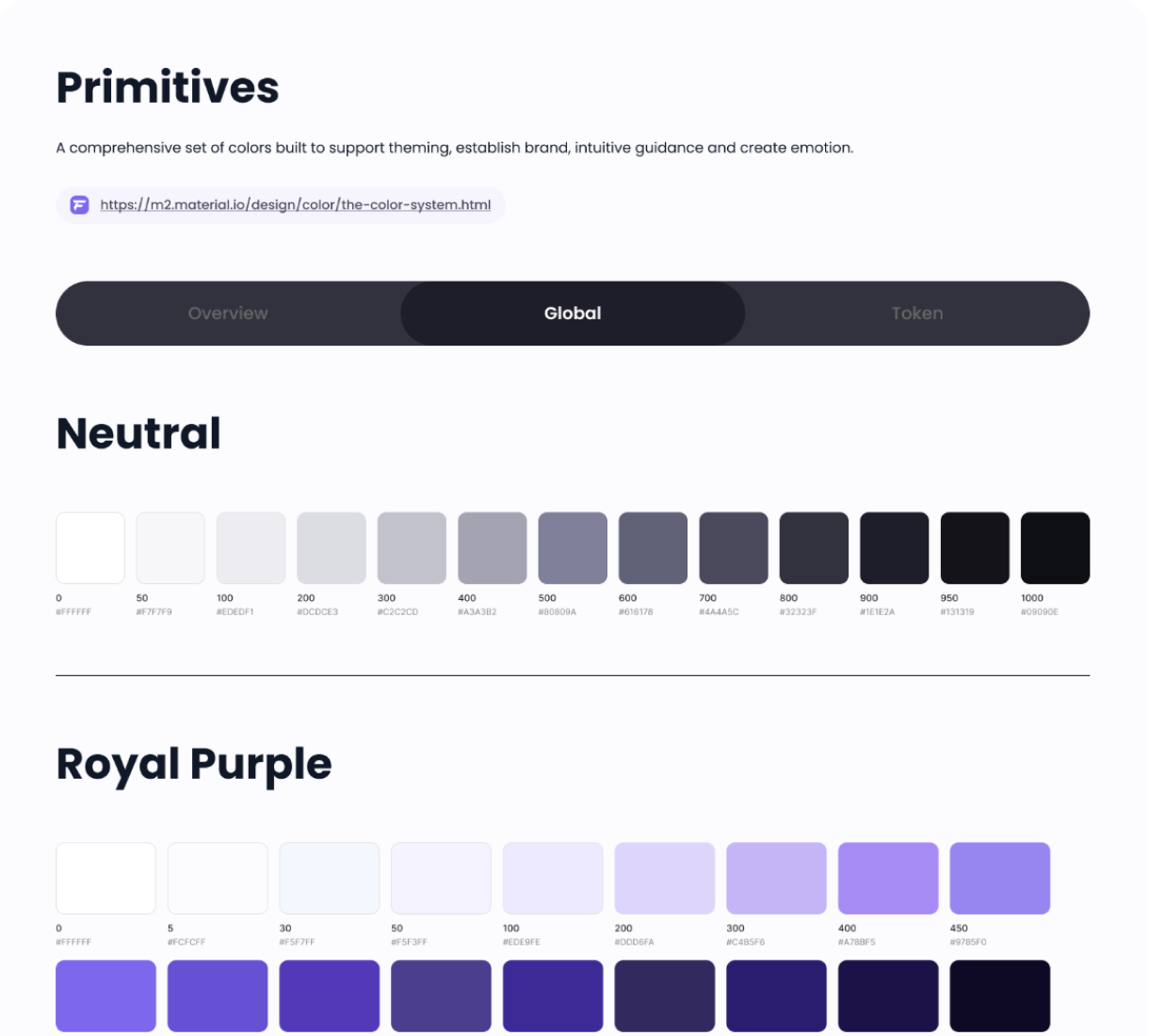
Screen Flow Enhancement
This enhancement aims to improve the overall user journey by refining screen structures, navigation and interaction flows. The goal is to create a more intuitive and consistent experience, reduce unnecessary steps and improve transitions between screens, ensuring users can complete tasks more efficiently while maintaining a seamless experience across the product.
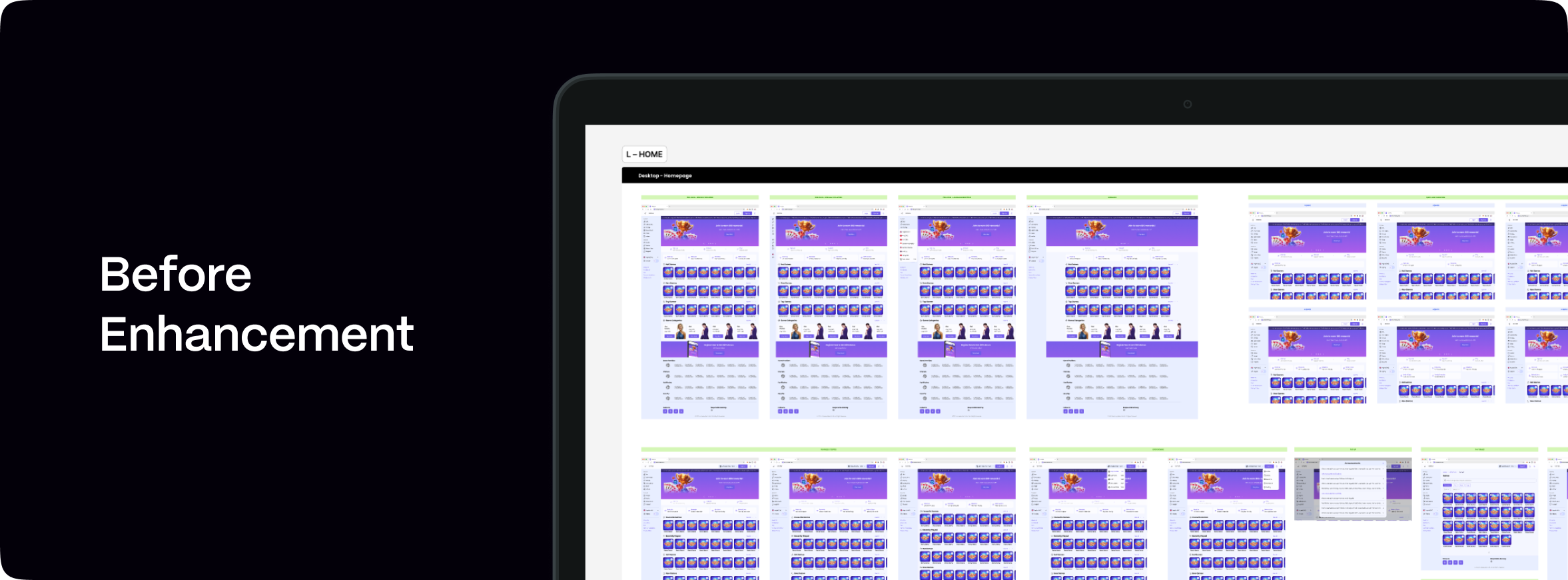
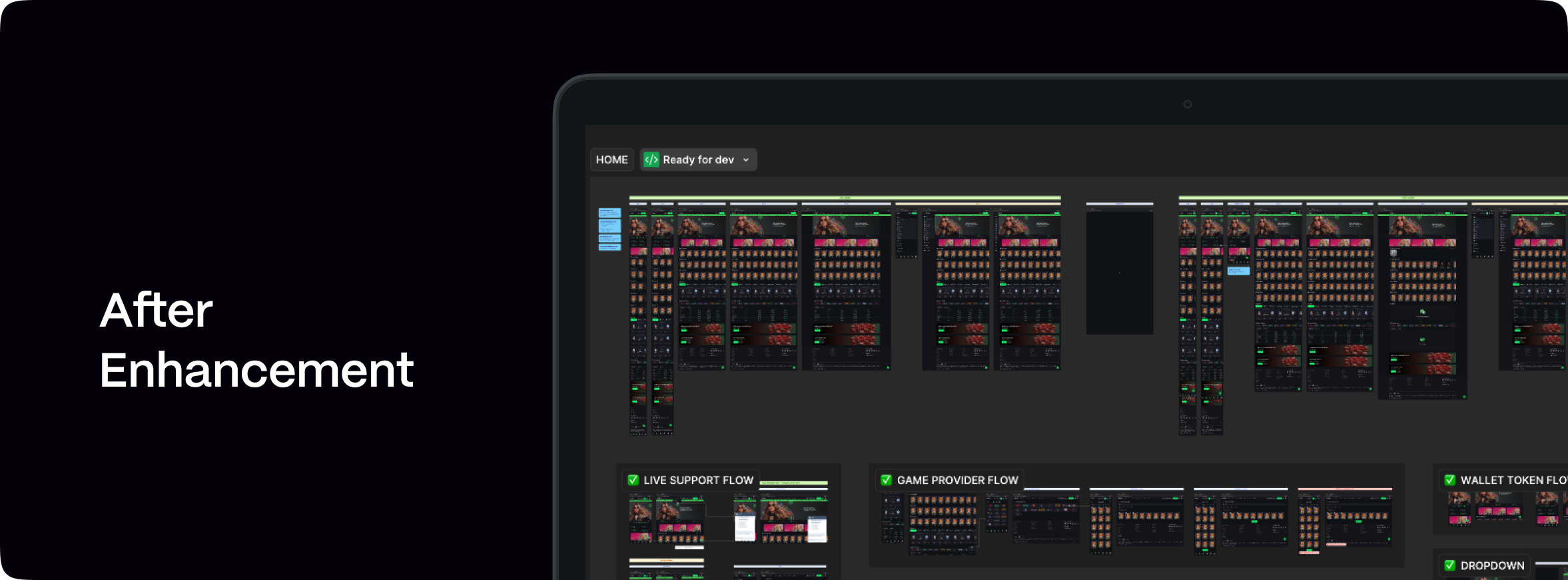
Before Assets Enhancement
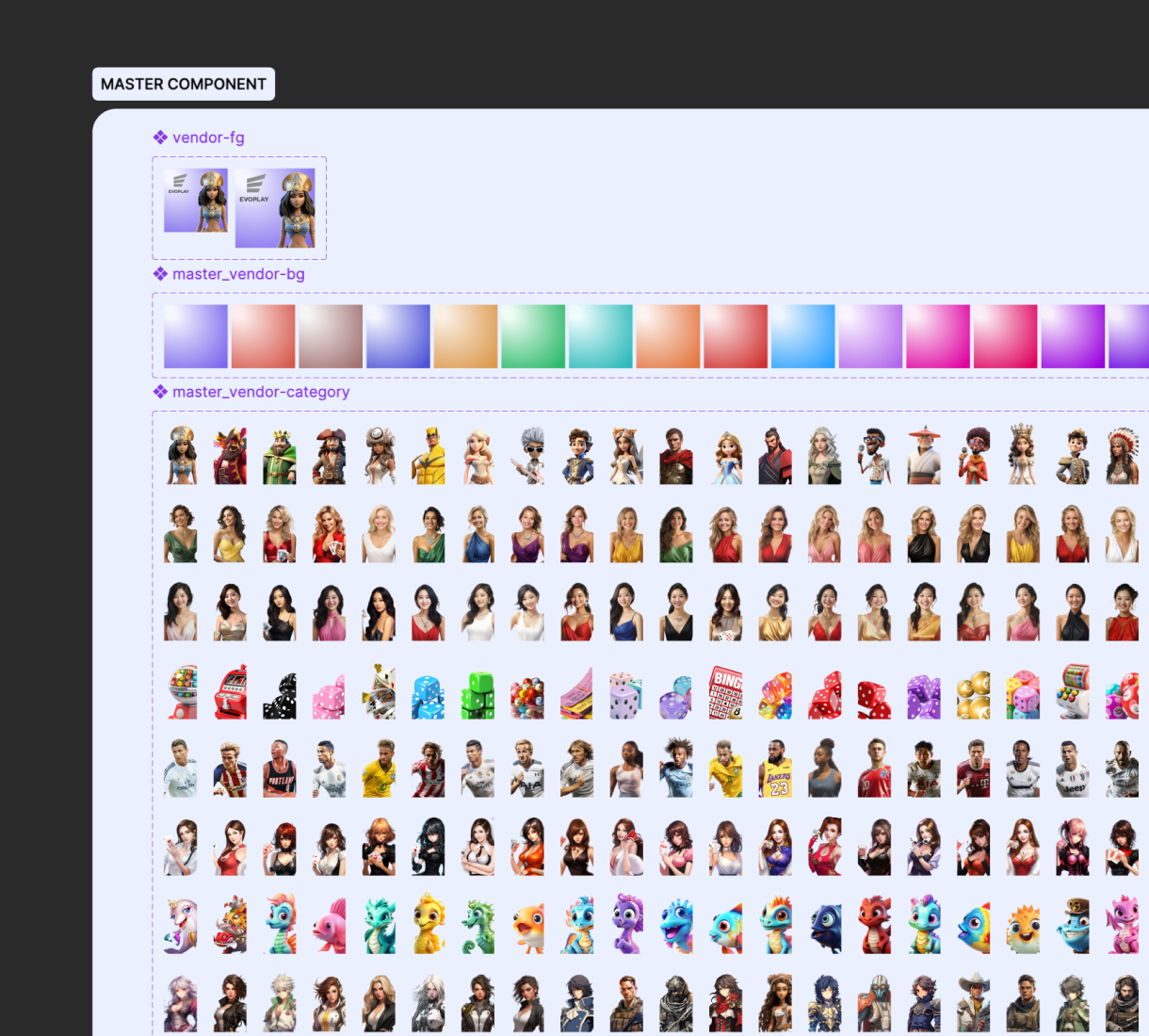
This enhacement aims to improve the overall visual quality and consistency of illustrations across the product. By refining existing assets and introducing new illustrations where needed, the goal is to create a more cohesive visual experience, better support user understanding, and strengthen the product’s overall look and feel without having to reupload image from the component itself.
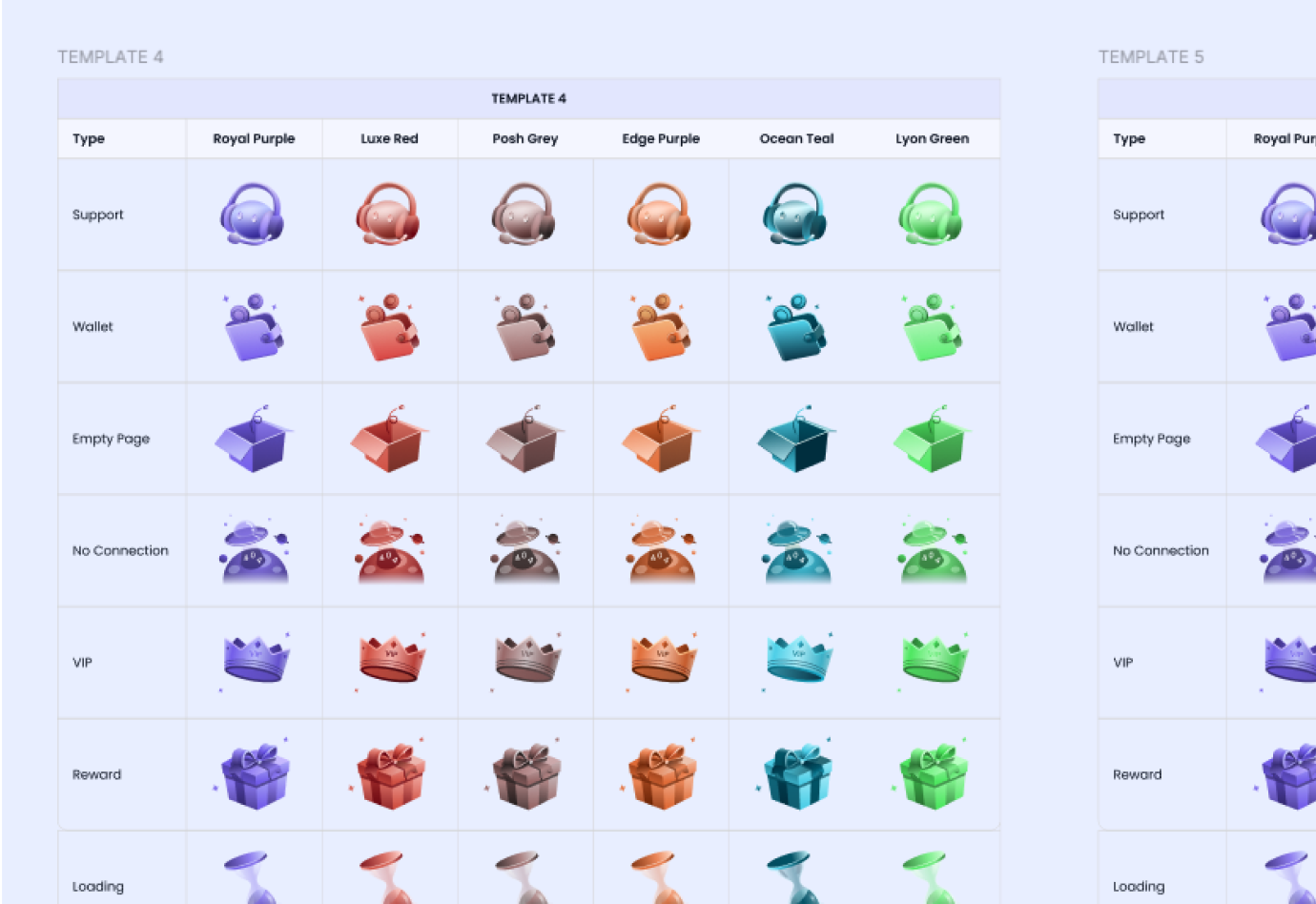
After Assets Enhancement
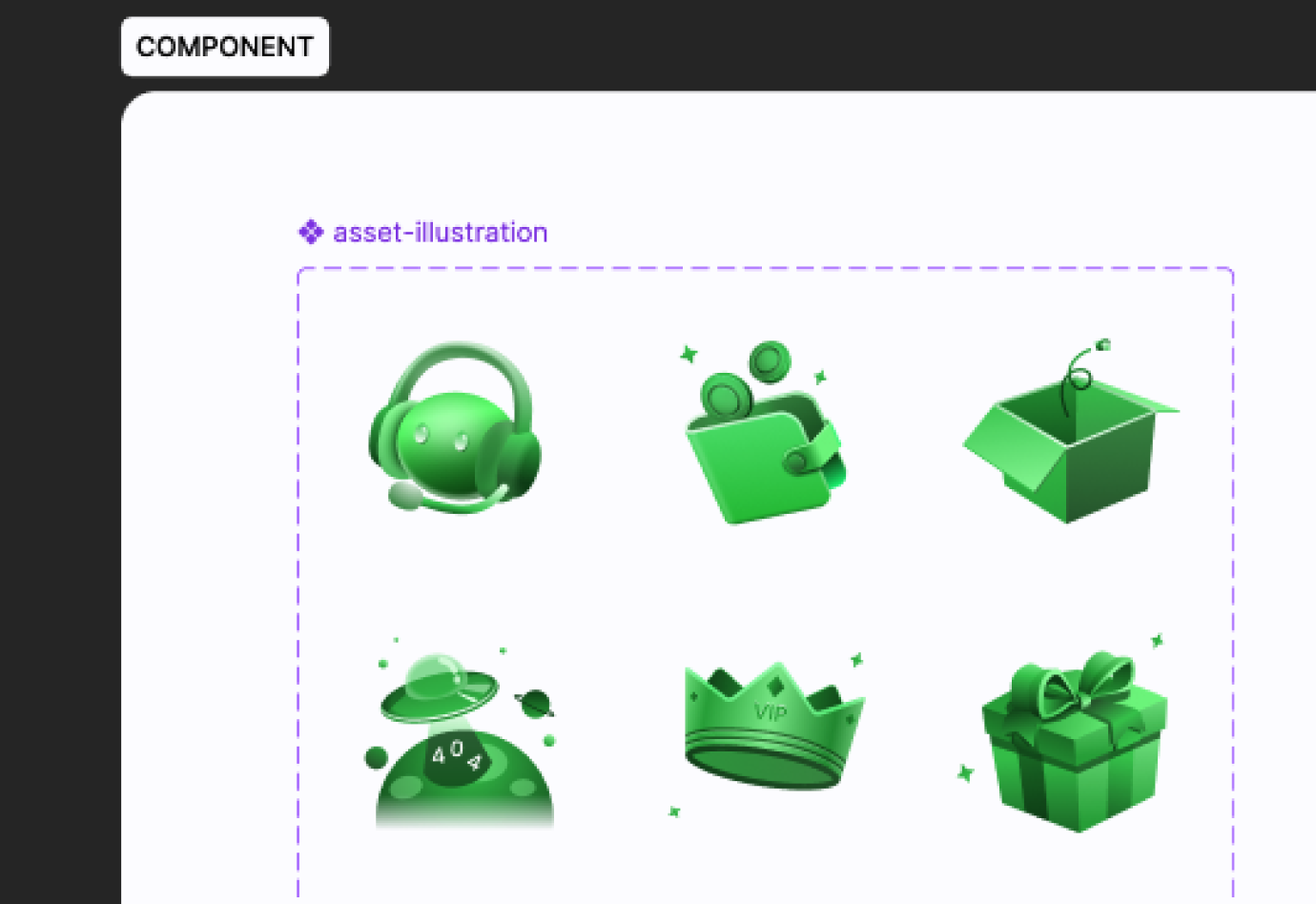
I’ve created a single set of illustrations with colour variables applied directly to the vector elements. By leveraging variable modes for theme switching, the illustrations can automatically adapt to different themes without requiring manual changes to component variants. This streamlines the theming process, reduces repetitive manual work, and minimises cognitive load at the screen level.
let’s connect • design • work • let’s connect • design • work • let’s connect • design • work • let’s connect • design • work • let’s connect •
Fortress design
System
Background
Building & revamping an existing Design Language System for Vanguard from scratch in Figma, to create a scalable, consistent and accessible digital experience for the designers and developers when doing handovers as well as maintaining Design Consistency.
Methodology
In Vanguard, we used Atomic design for creating design systems, where this methodology helps us seek direction on building interface design systems in a more methodical way with explicit order and hierarchy.
Modes
Variable in Figma make it easy to switch between light and dark mode with just one click. So, i adapted the feature & added dark mode version of the design system.
Variables
Vanguard have different templates, themes as well as devices for their product. With the help of variables, it helps to fasten the design process when switching from one mode to another.
Structure
Previously the guidelines of the design system was a mess. Despite components and rules are all over the place, i’ve structured them in a way where it comes in 4 consistent content style in order for better communication & clearer directions with the team.
DLSRevamp
This is an revamp work for the current DLS to Version 2 which aims to improve the overall design system structure, usability and maintainability. By addressing existing pain points such as inconsistent token naming, duplicated components, unclear usage guidelines and frequent developer clarifications.Version 2 will establish a more consistent and scalable foundation. The goal is to simplify designers' workflows, improve design-to-development handover, and better support both Fortress Template and Complex Template’s unique requirements without compromising consistency.
Screen Flow Enhancement
This enhancement aims to improve the overall user journey by refining screen structures, navigation and interaction flows. The goal is to create a more intuitive and consistent experience, reduce unnecessary steps and improve transitions between screens, ensuring users can complete tasks more efficiently while maintaining a seamless experience across the product.
Before Assets Enhancement
This enhacement aims to improve the overall visual quality and consistency of illustrations across the product. By refining existing assets and introducing new illustrations where needed, the goal is to create a more cohesive visual experience, better support user understanding, and strengthen the product’s overall look and feel without having to reupload image from the component itself.
After Assets Enhancement
I’ve created a single set of illustrations with colour variables applied directly to the vector elements. By leveraging variable modes for theme switching, the illustrations can automatically adapt to different themes without requiring manual changes to component variants. This streamlines the theming process, reduces repetitive manual work, and minimises cognitive load at the screen level.
let’s connect • design • work • let’s connect • design • work • let’s connect • design • work • let’s connect • design • work • let’s connect •